
Description
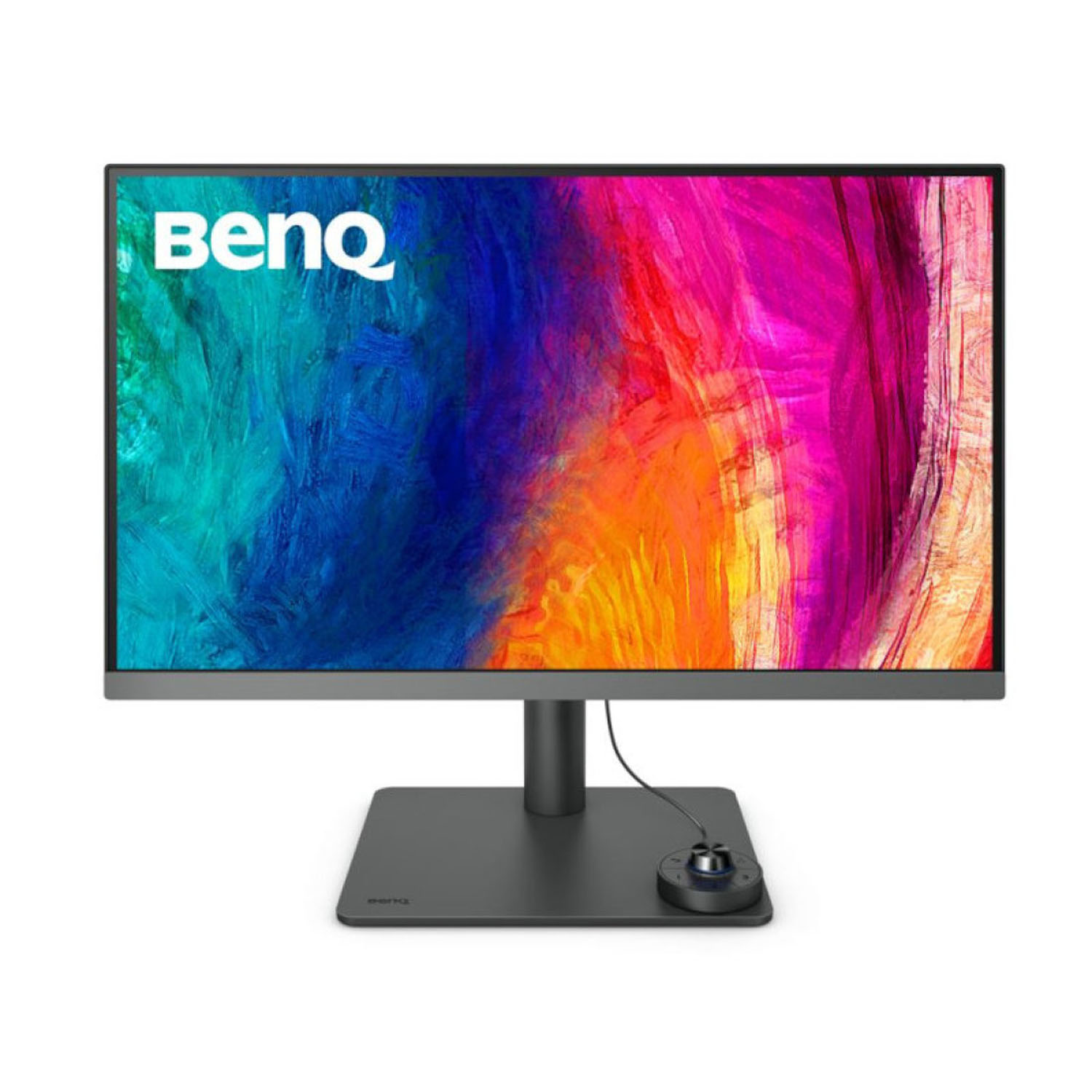
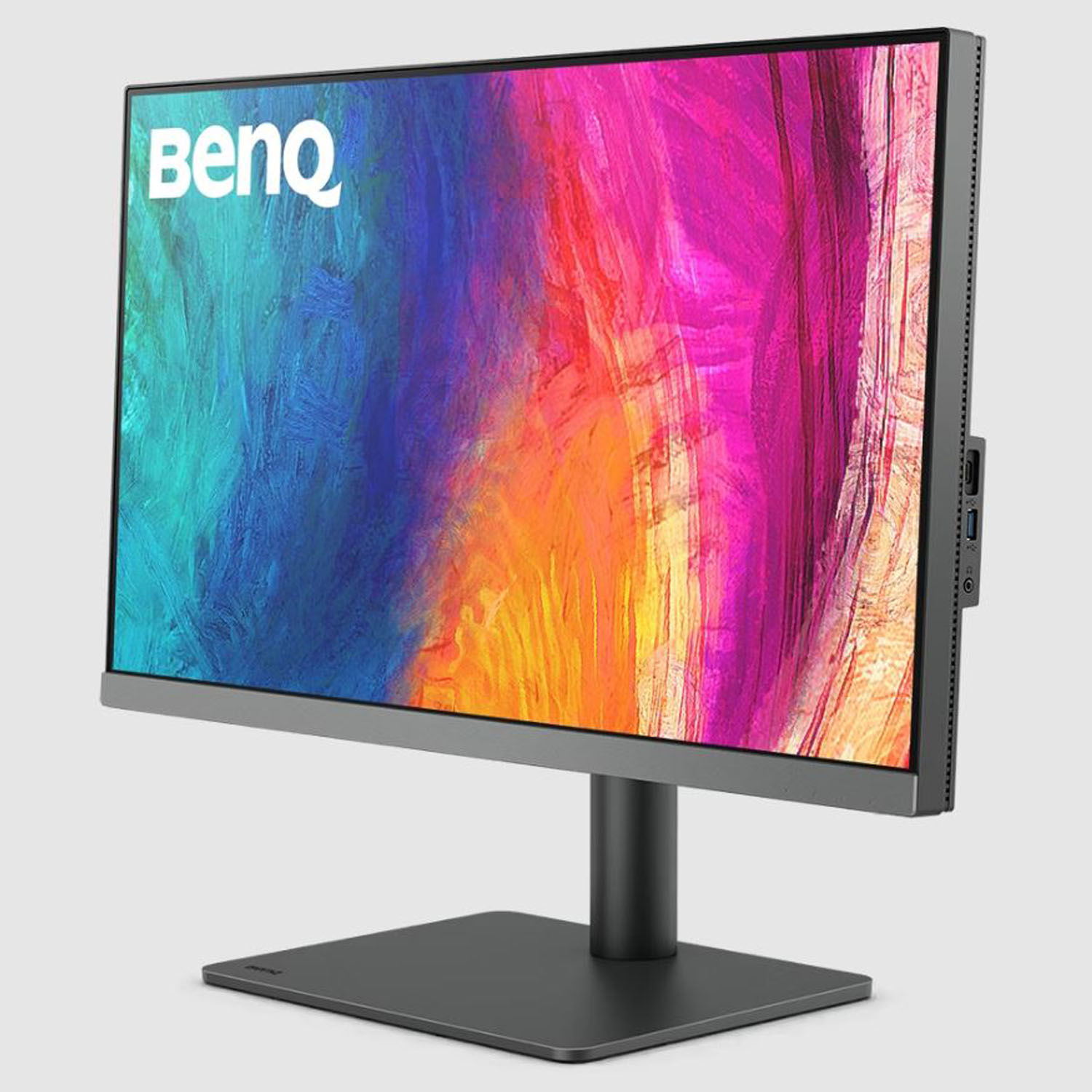
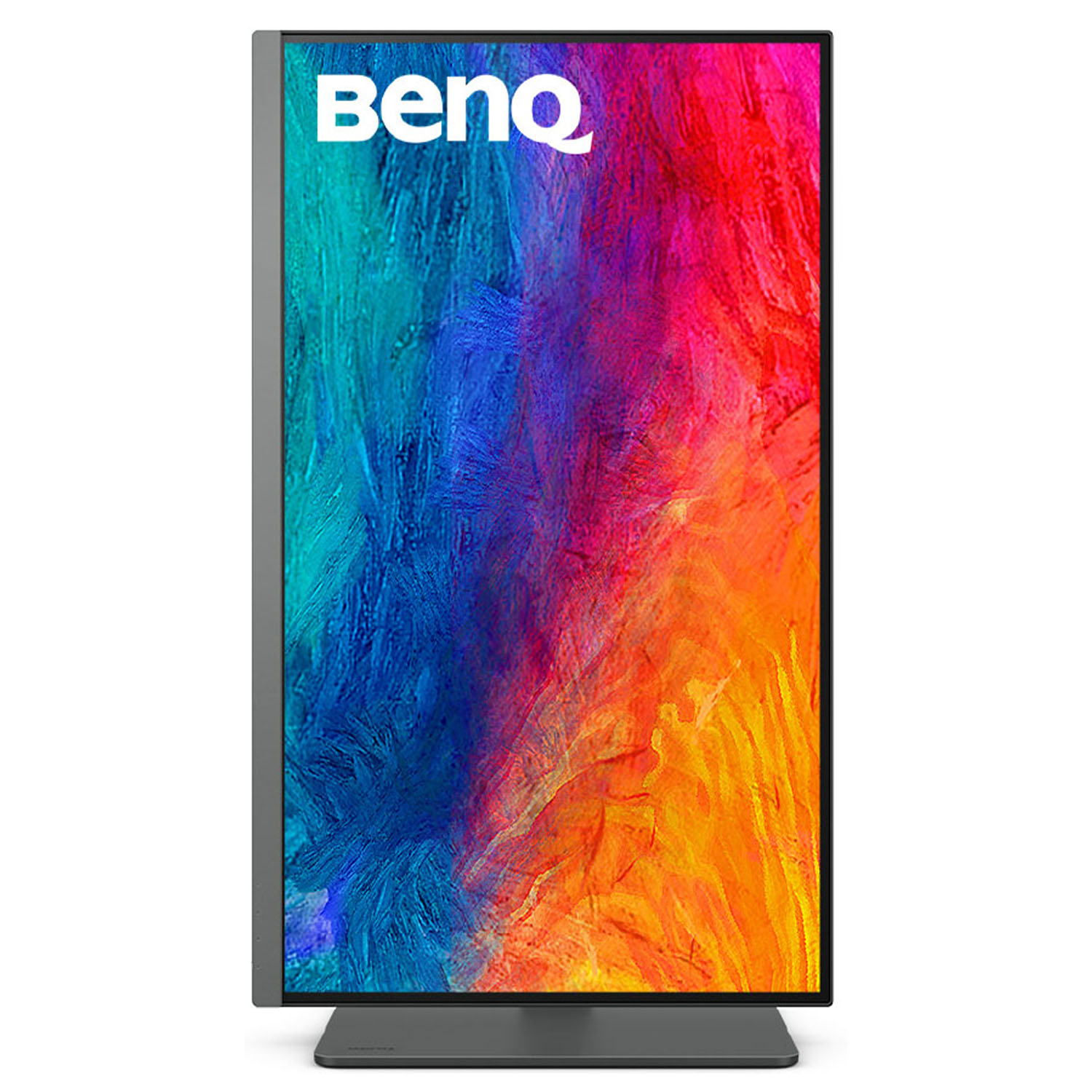
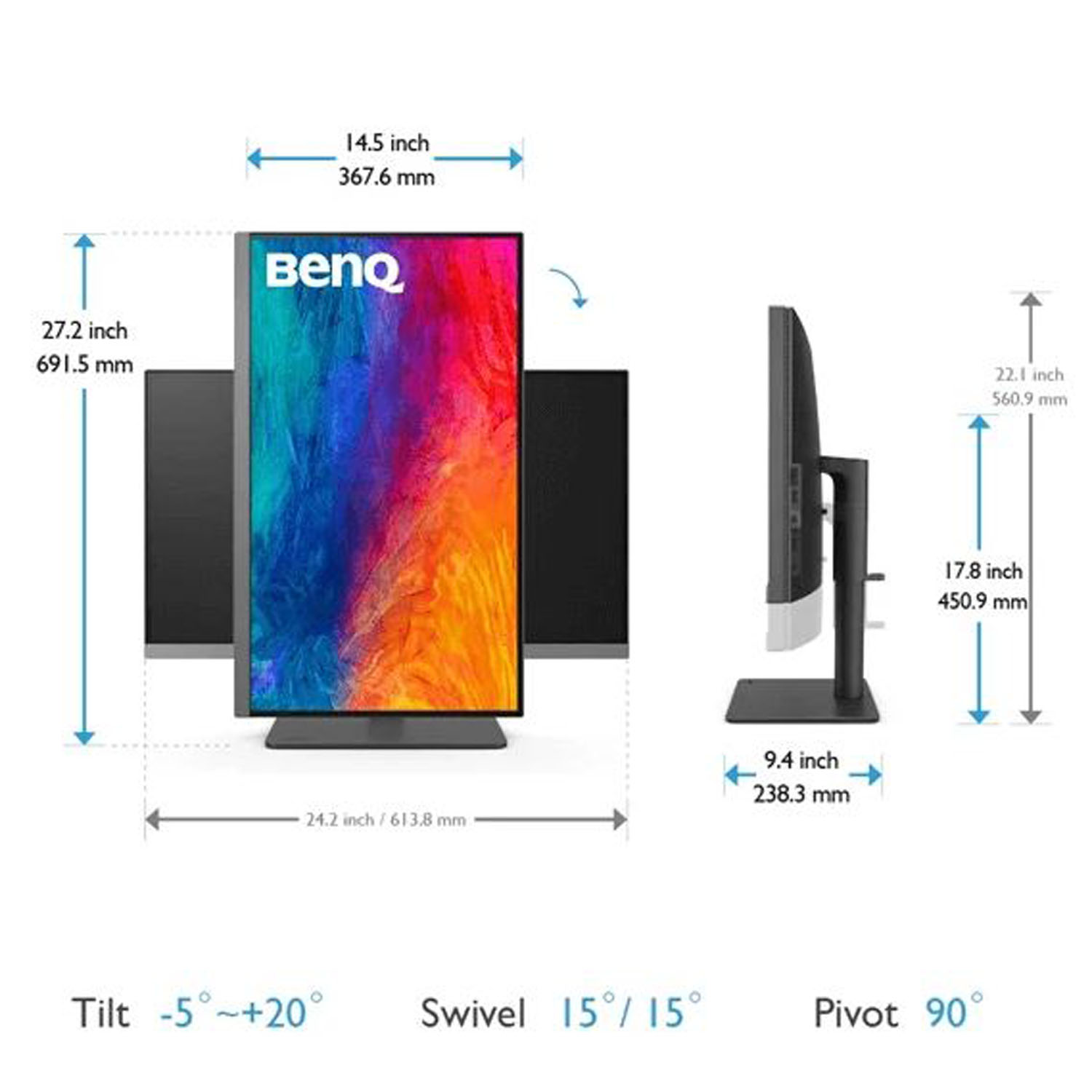
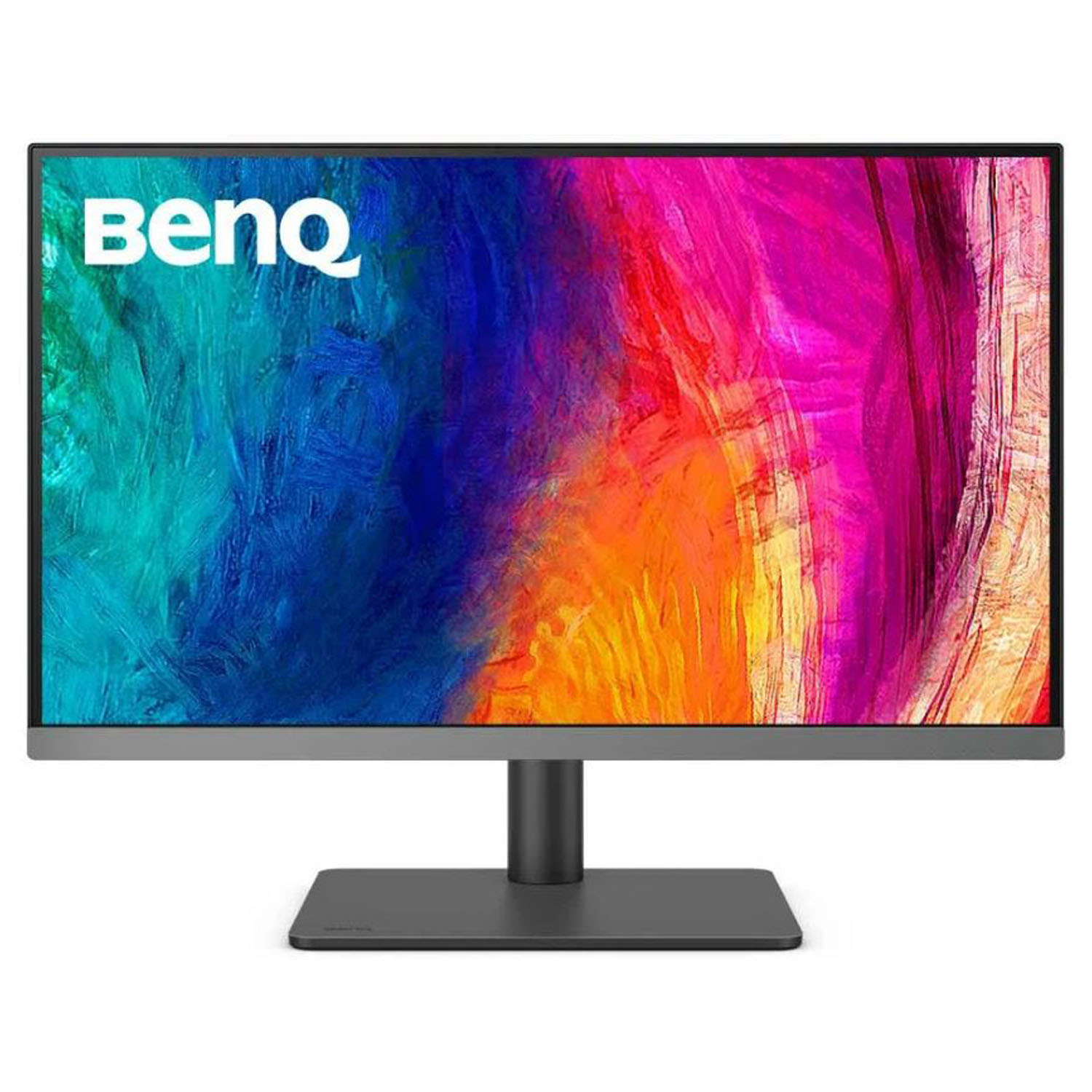
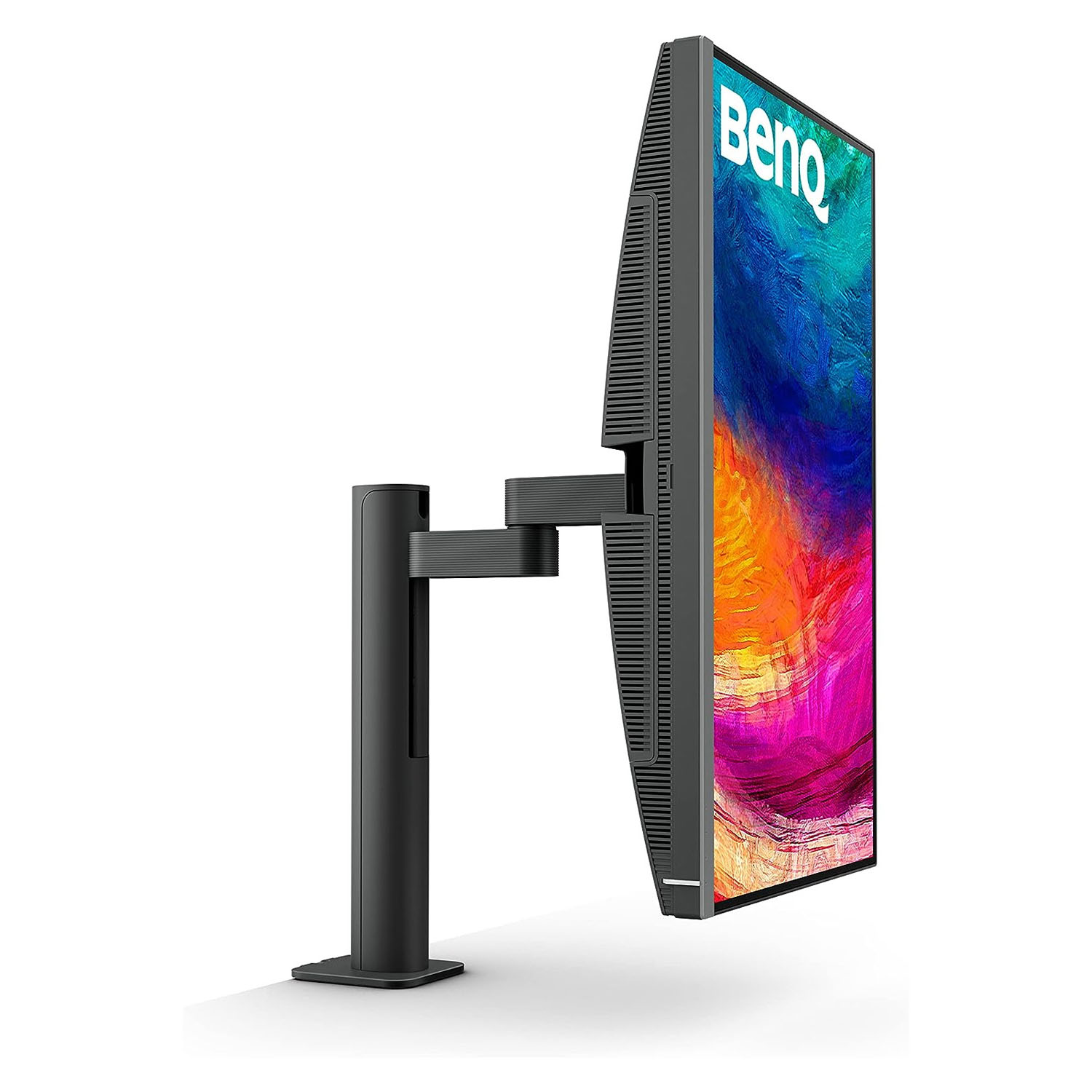
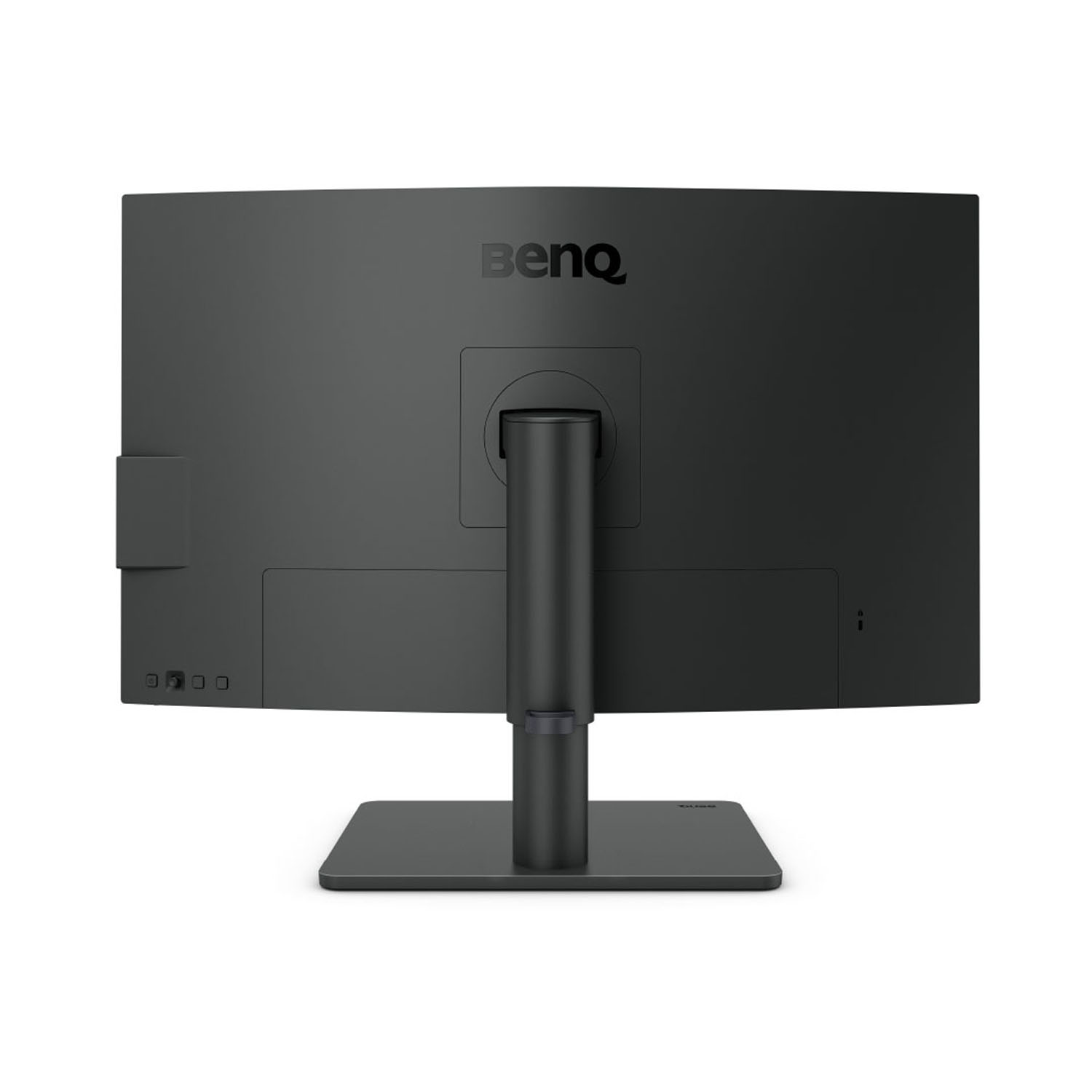
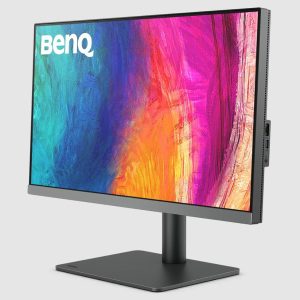
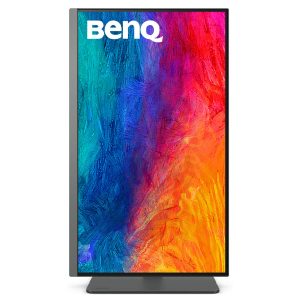
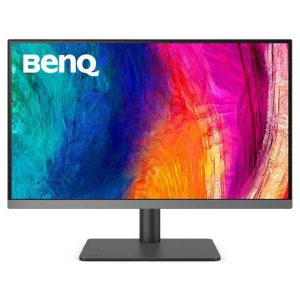
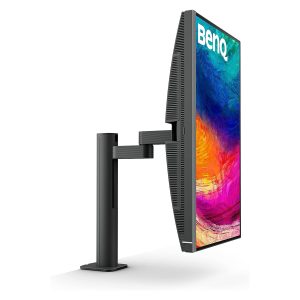
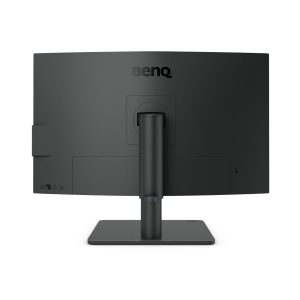
BenQ PD2706U
A Wider and Truer Color to Make Inspirations Come Alive
Colors You Can Trust
BenQ’s AQCOLOR technology guarantees “Accurate Reproduction,” displaying colors as intended with out-of-the-box precision. Designers benefit from wide color space coverage, with each monitor ensuring corner-to-corner uniformity and undergoing rigorous testing, earning Calman and Pantone validation for professional-grade accuracy.

Corner-to-Corner Uniformity
Uneven color and dim corners aren’t just annoying, they distort your work. BenQ tackles what others overlook. Through corner-to-corner calibration, we ensure consistent brightness and color across the entire screen. So whether you’re editing center frame or checking the edges, you can create with total confidence.

Industry Leading Color Performance
Incredible Color Space Coverage
PD2706U covers 95% P3, 100% sRGB, and 100% Rec.709 color spaces and has amazing Delta E ≤ 3 color reproduction to ensure superb accuracy and absolute color confidence.
Industry Leading Color Performance
Attentive Color Modes for Creators
One Click Syncs Mac Device Colors
The monitor ships from the factory with default color settings that perfectly match Mac® and MacBook® Pro laptop colors. Exclusive M-Book mode provides active color syncing, creating an additional layer of color precision assurance. Mac® and MacBook® are trademarks of Apple Inc.

Color Consistency at Your Fingertips
The ICCsync feature in Display Pilot 2 software automatically matches and synchronizes ICC profiles on the monitor when changing color modes and also between your Mac and BenQ monitor. All of this is done instantly.

Unique Hotkey by Your Mac Keyboard
Effortlessly adjust display brightness using your Mac keyboard through Display Pilot 2 software.

Animation Mode
Enhance the clarity of dark areas without overexposing bright regions.

CAD/CAM Mode
Enjoy superior contrast of lines and shapes in technical illustrations.

Darkroom Mode
Adjust image brightness and contrast for work in dark environments.

ePaper Mode
Simulates e-book display to read and edit digital publications in comfort.

DualView
Showcase designs in two modes side-by-side for improved workflow and enhanced productivity.

Your Handy Display Assistant
Experience simplified workflows with BenQ Display Pilot 2, which provides a customizable interface for organizing functions such as ICCsync, Application Mode, and Software Dimming, making design work more convenient and flexible.

Accuracy Guarantee
Factory Calibrated for Color Accuracy
BenQ DesignVue monitors feature meticulous factory calibration, so designers make full use of total display color accuracy from the get go.

Accuracy Guarantee
Pantone Connect Premium
Go digital with BenQ, the first brand to work with Pantone on a mobile app. As an existing owner or a new purchaser of BenQ professional monitors, you get one year of free Pantone Connect Premium for digitally mobile color consistency and accuracy.

Accuracy Guarantee
Out-of-the-Box GUARANTEE
PD2706U also features Pantone and Pantone SkinTone validation, appealing to professionals who need a display that achieves utmost authenticity when showing real-world colors.

Accuracy Guarantee
Out-of-the-Box GUARANTEE
PD2706U is fully CalMan Verified. Creative professionals demand excellence, and BenQ delivers.

Expand Your Workstation with All-in-One Cable
90W USB-C carries images, videos, and other data seamlessly plus charges your mobile devices at the same time all with one cable.
Your Thunderbolt 3/4 devices are compatible with USB-C on BenQ displays, ensuring consistent and seamless work efficiency.

KVM
With built-in KVM (keyboard, video, mouse) switch functionality, PD2706U allows users to control two systems from one keyboard and mouse set. Click to switch between systems via Hotkey Puck G2 to boost efficiency.

Hotkey Puck G2
BenQ Hotkey Puck G2 offers users the flexibility to customize and access their most-used features. Press and switch the dial to access brightness, contrast, and volume adjustment, plus assign shortcuts to feature sets using the three function keys. Additionally, the rotation key allows users to assign custom shortcuts to settings.

PIP / PBP
Go split screen. Picture In Picture (PIP) and Picture By Picture (PBP) let you customize your workflow.

Matching Colors Across Displays Has Never Been Easier
Made simple. Display ColorTalk provides an intuitive interface for creative professionals to effortlessly match the colors of two displays, whether it’s a MacBook display with a single monitor or across two monitors.

HDR Technology
DisplayHDR 400 offers better results more when you work on designs with better brightness, color uniformity and black leve

Create with Fresh Eyes
BenQ industry-leading Eye-Care Technology reduces eye fatigue while ensuring greater user comfort during long periods of use.